Hands-free page turning
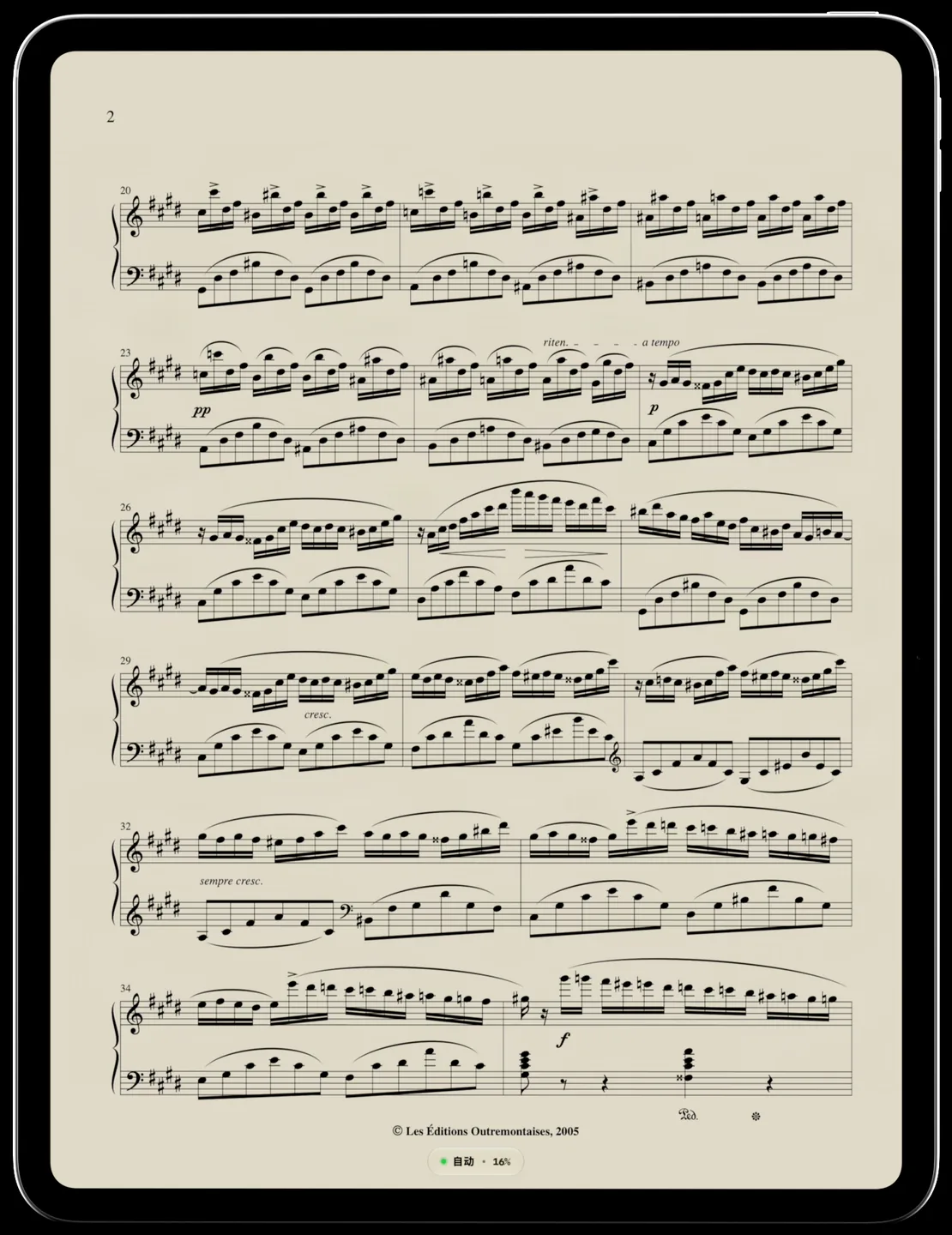
Effortless hands-free performance
After a single run-through, CueFlip automatically advances each page as you play through it. For instruments demanding continuous two-handed control, your focus stays entirely where it belongs — on the music.
Bluetooth pedals and hardware keyboards
CueFlip natively supports popular Bluetooth page turners including AirTurn, PageFlip, iRig BlueTurn, and Donner, as well as standard external keyboards — no extra configuration needed.
During the initial learning run-through, a single tap of your foot pedal marks the turn point on the fly, allowing you to prepare scores completely hands-free.
Instant access via widgets and controls
Keep current repertoire at your fingertips with interactive widgets for Home Screen, Lock Screen, and StandBy. Launch performance mode directly from Control Centre or the Action button, while tapping a widget opens the score in silent reading mode with the microphone disengaged.

Thoughtful accessibility
Built to be accessible to all musicians, CueFlip supports VoiceOver, Voice Control, Dynamic Type, Dark Mode, High Contrast, and Reduced Motion. Detailed documentation outlines our exact feature coverage.
Wink to turnPro
When your hands are committed and your feet are occupied, let your eyes lead. Wink your right eye to advance, wink your left to turn back. Powered by uncanny on-device tracking, so your fingers never break stride for a single semiquaver.